Contents
This is an article on Payments and Refunds on the Flatpay payment application.
How do I make a sale?
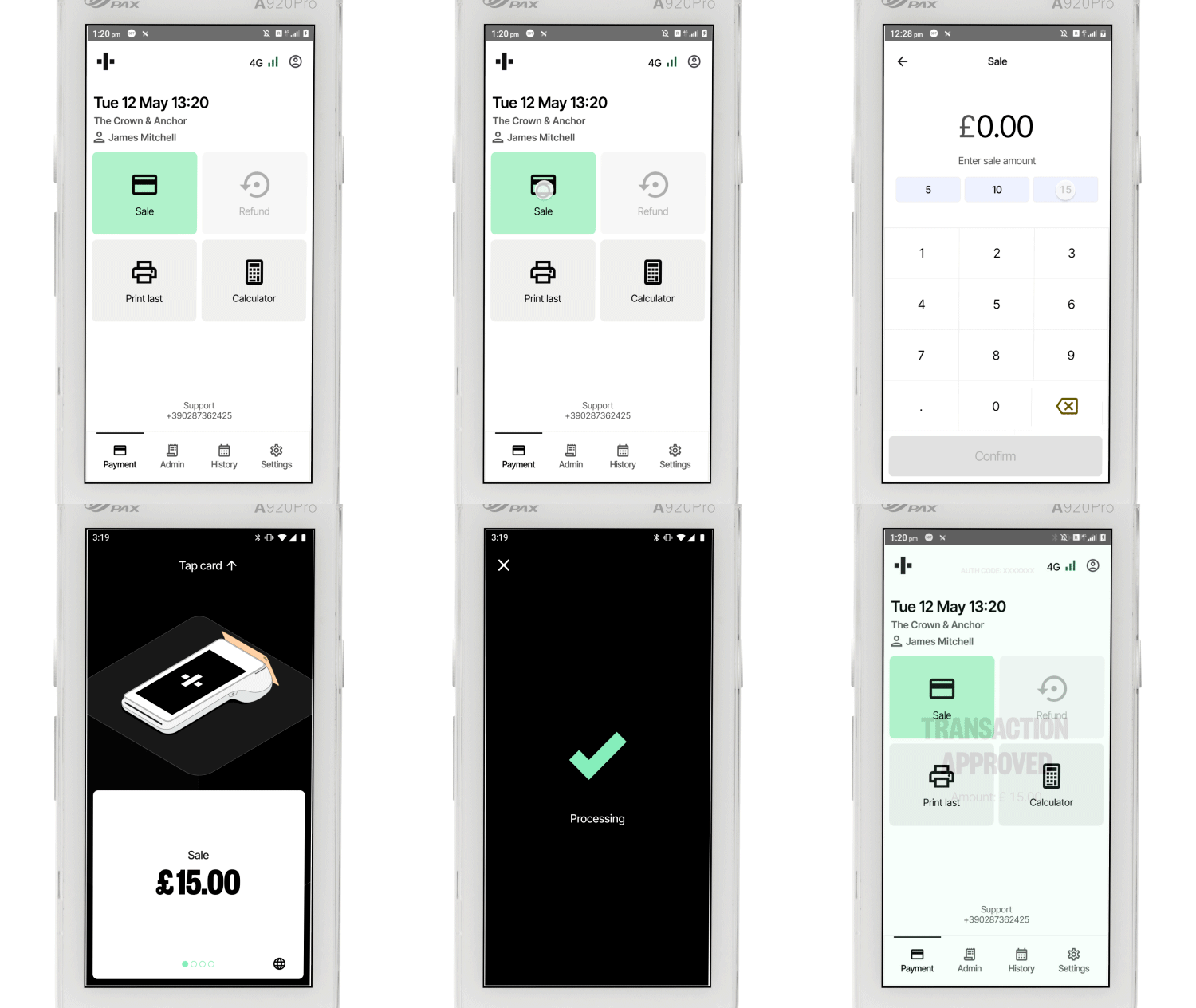
When you are ready to make your first sale, press the Sale button.
Enter the amount of the transaction and tap confirm. If you have the tips function enabled, enter a tip, or select No tip.

How do I refund a transaction?
If you have refunds enabled, press the option Refund and enter the amount you wish to refund the customer. If you enabled Secure refunds, you need to enter a valid manager PIN code before you can refund the customer. You can enable this feature when creating staff in the portal.

Add quick amounts on your terminal
You can add three preset amounts to your terminal’s sales screen, making it faster to enter a sales amount. This feature can be enabled in your terminal’s app settings.
How to print the last receipt?
If you need to print the last receipt, press Print last on the main screen of the application.
How do I allow refunds?
If you want the Flatpay payment app to allow refunds, please go to App settings and enable Allow refunds.
Was this article helpful?
That’s Great!
Thank you for your feedback
Sorry! We couldn't be helpful
Thank you for your feedback
Feedback sent
We appreciate your effort and will try to fix the article